Snap the Sigil to your phone
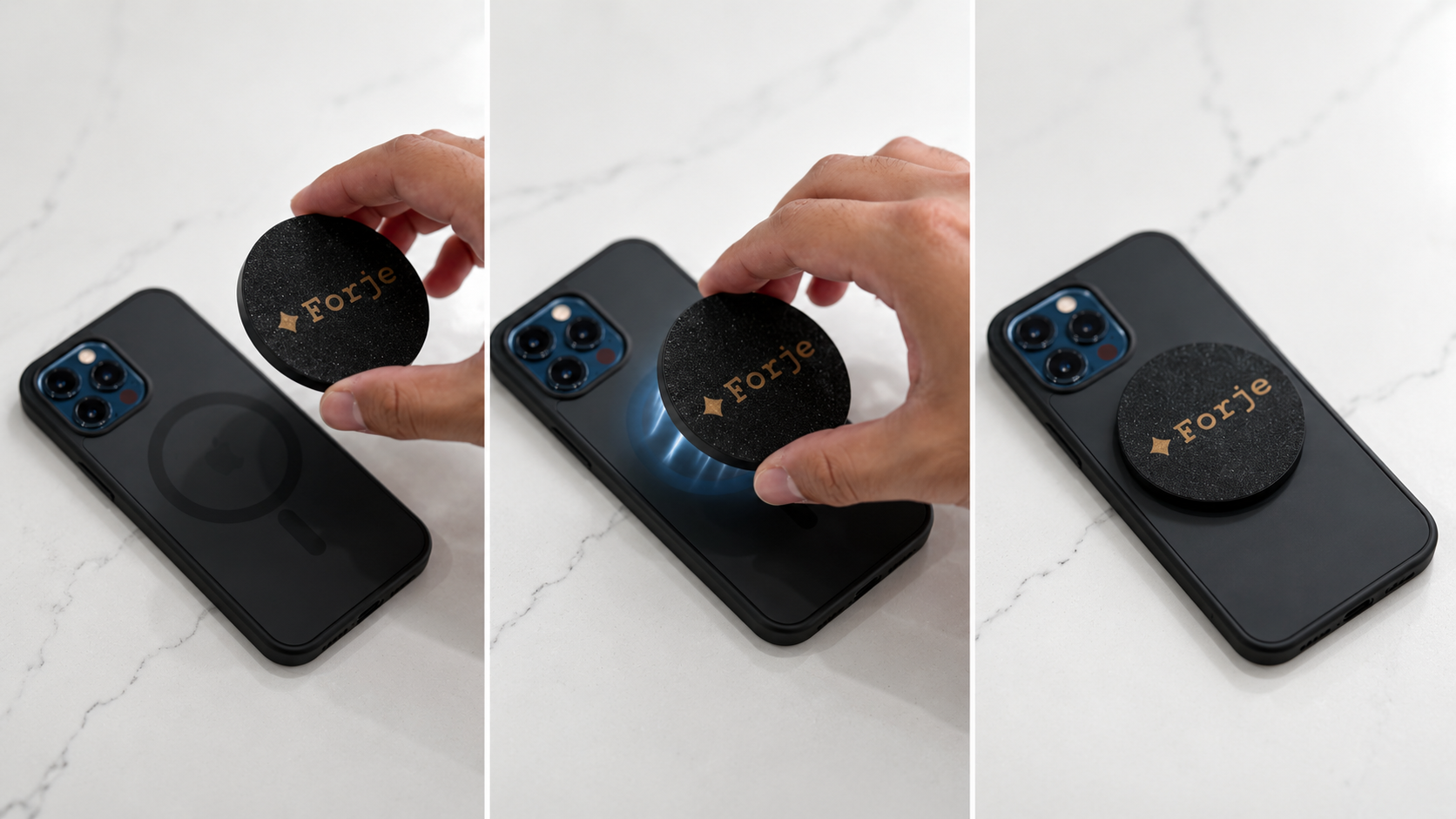
The Sigil magnetically snaps to the back of any MagSafe-compatible iPhone case. Hold it near the center of your case and feel it click into place. It stays put with no adhesive and no setup.
Attach it to your phone, tap or scan, and let people save your contact or open your links. No app needed for the person receiving it.
The Sigil magnetically snaps to the back of any MagSafe-compatible iPhone case. Hold it near the center of your case and feel it click into place. It stays put with no adhesive and no setup.
These are the only steps most people need. If one phone does not tap, use the QR code.
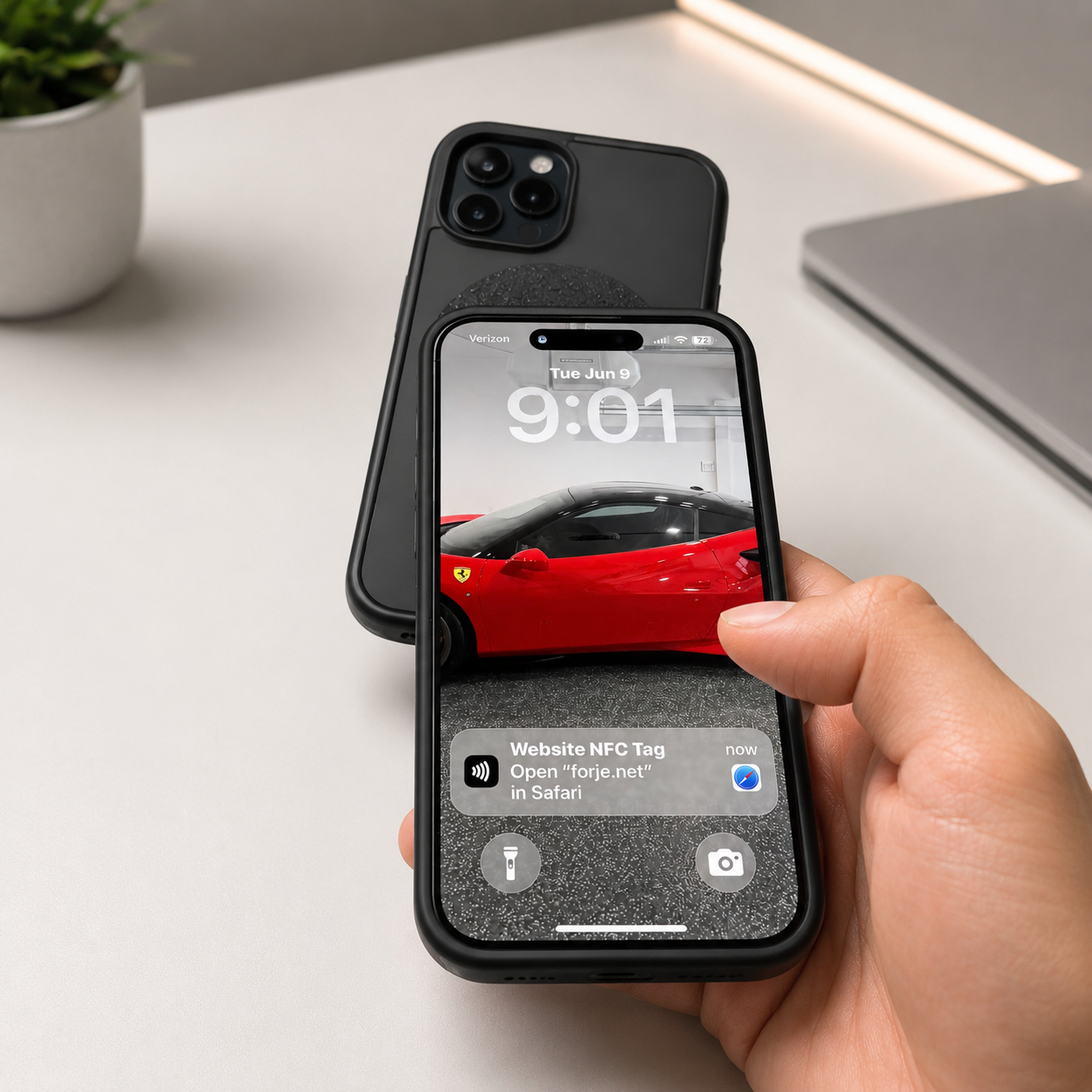
Hold a compatible phone near the Sigil. When the NFC prompt appears, tap it to open your Forje profile.
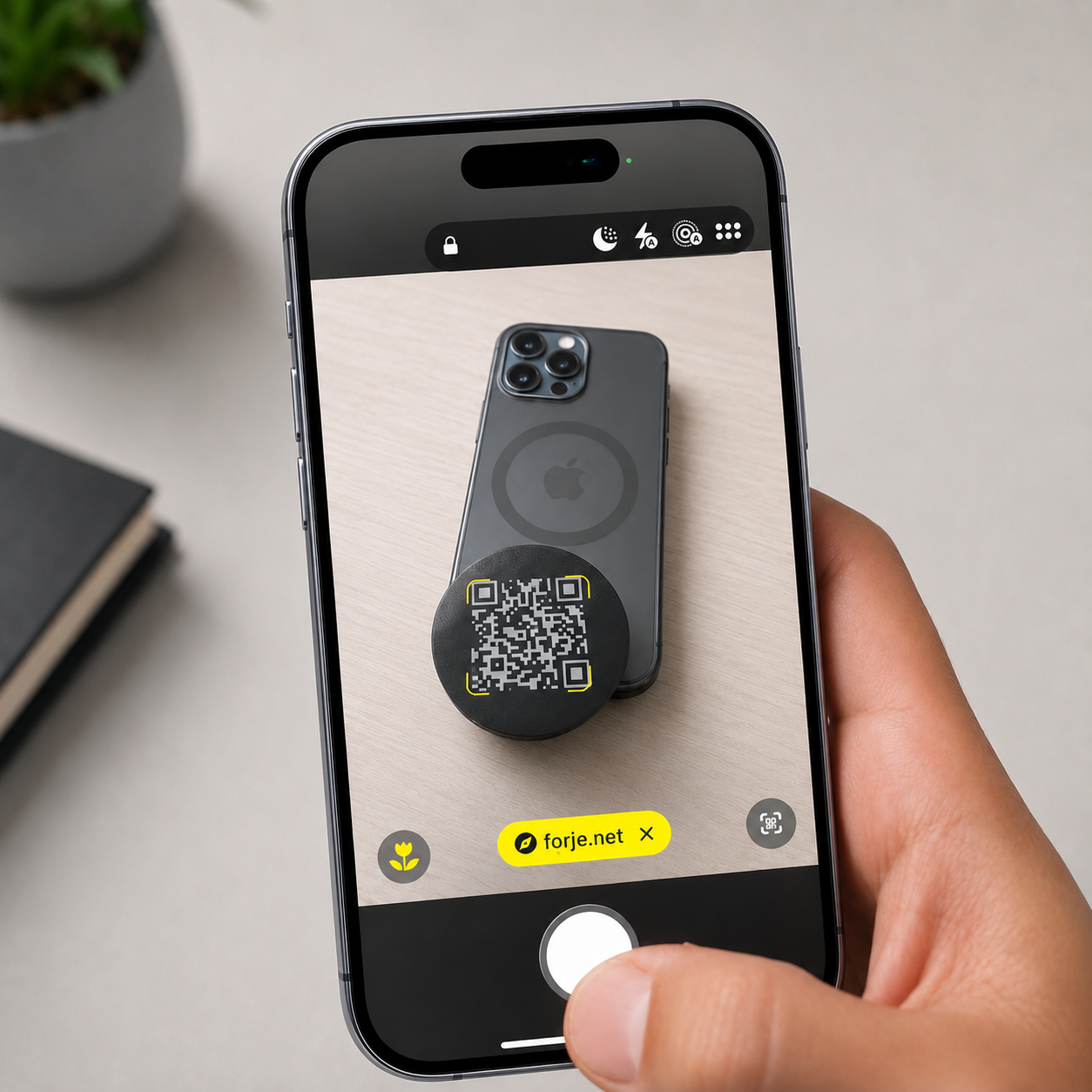
If tapping does not pop up, open the camera, scan the QR code, and tap the link that appears.
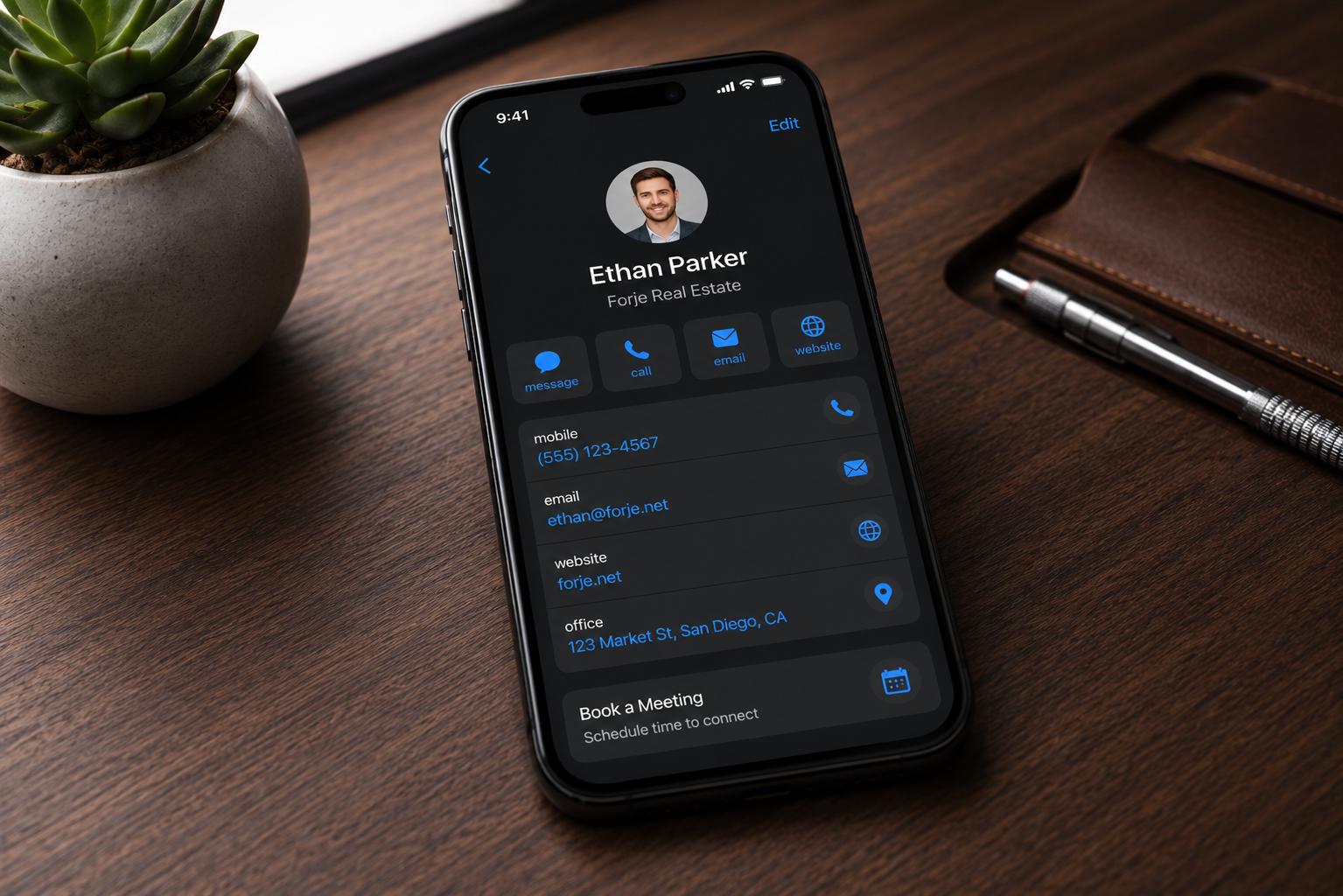
When your profile opens, they can tap Save Contact, confirm the save, and use your links right away.
Use your dashboard to edit your name, phone, email, links, photos, profile details, and QR. Save the change and the same Sigil keeps pointing to the updated profile.